The next set of Azure cost levers: what to ask your team after the generic tools stop helping
by Frans Lytzen | 23/07/2026You have probably already run the Cost Optimisation tool in Azure and you may even have run an external tool to help you save costs in Azure. You have almost certainly been able to make some savings from doing that.
If you have a nagging feeling there is more you can do, you are almost certainly right.
I have listed five specific - and quick - questions you can ask your engineering team today, to get a sense for where the next savings are hiding.
To get to the next levers, you need to look at your specific application and consider how it can be optimised for Azure. In our experience, you can usually save an additional 20% or more by looking more deeply at your application. Usually, some of the things you can do are quick and easy to do - others may need a bit more planning.
Or, send me a screenshot of your top five Azure cost items along with a paragraph about what your application does and I will send you back three specific questions you can ask your team.
Top five Questions
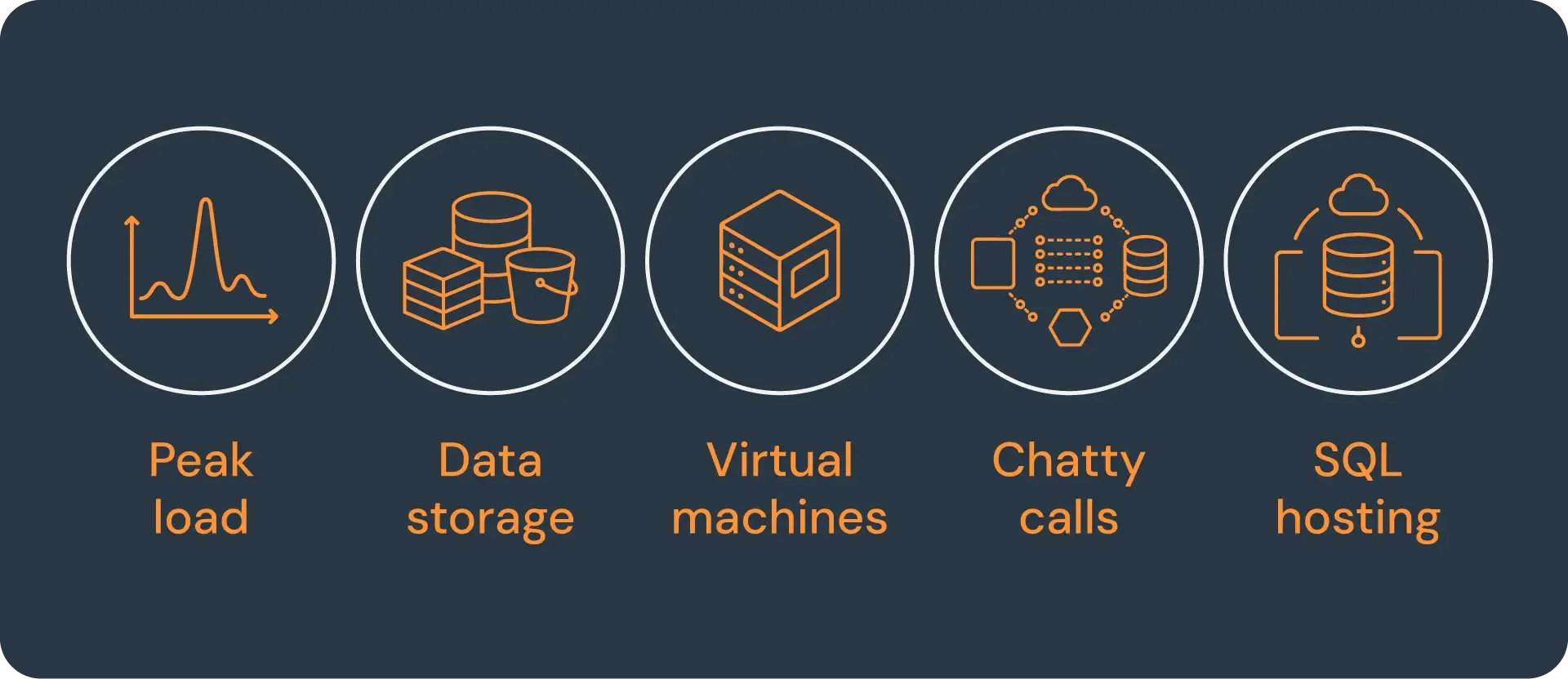
- Do we have peak loads - and have we sized our compute and database for those peaks? In other words - are we running at below allocated capacity most of of the time? Azure has very easy metrics that will show you.
- What kinds of data are we storing - and where? Have we considered if some of these data types might be better stored in other Azure databases or storage systems?
- Do we store files?
- Do we store write-once data, such as transaction records (incl. bank records), logs, gps tracking data etc.?
- Do we use VMs? If yes, why? What in our application requires us to be on VMs?
- Is our application "chatty"? If you use App Insights, it is easy to check how many database (and other dependency) calls are made per front-end request. Depending on which database you use, you can usually also get the total number of queries per minute or second as well.
- Do we use SQL in Azure? If so, why did we choose the specific SQL hosting model we did? What are the drivers in our application that makes that particular model the right one for us?
Why these questions?
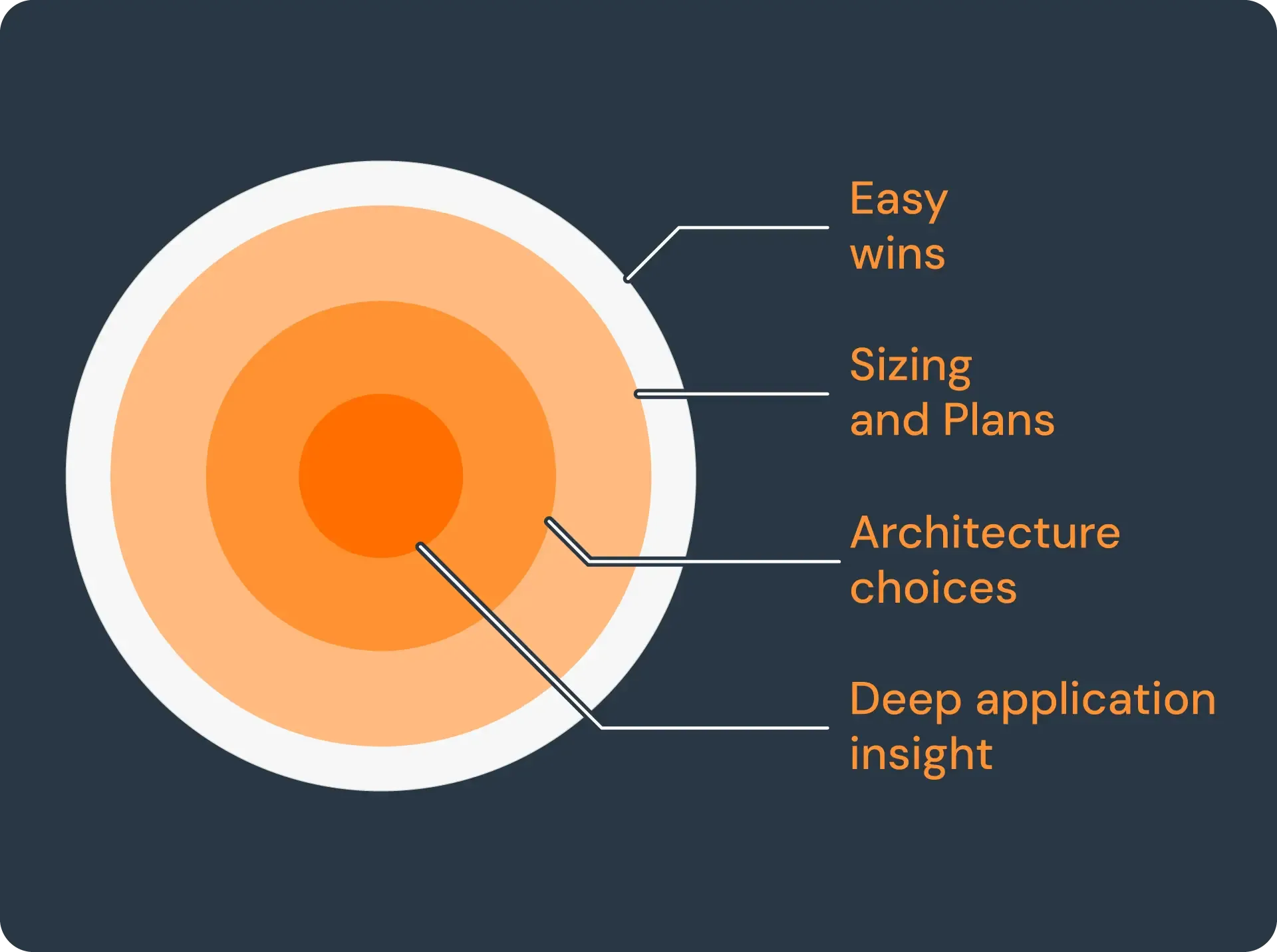
Over the years, I have looked at many, many systems hosted in Azure - and systems hosted elsewhere, being migrated to Azure.
The savings that most automatic tools find are primarily about whether you are utilising the resources you have allocated and whether you are buying them the most optimal way (i.e. reserved instances, savings plans etc).
But, they generally assume that your choice of services is correct: If you are running SQL on a VM, most tools will assume that is because you have determined that this is the correct way for your application. Without understanding your application, an automatic tool cannot recommend you switch to a Managed Instance or Azure SQL because they have different constraints for the application.
Similarly, there are many application architecture choices that make perfect sense for an on-premise or a co-lo setup but that are sub-optimal in the cloud. This blind spot does not just affect systems being migrated, I also see it all the time in systems developed for the cloud - it's a matter of habit as much as anything else
Three very common examples:
Virtual Machines
I still see people deploying applications to Virtual Machines - even newly built applications that are destined for the cloud from day one. With very few exceptions, VMs are the most expensive, least flexible and hardest to manage way you can deploy an application to Azure.
The automated tools will tell you whether you have the right size, the good ones will check your choice of disk and how you buy them. Most tools won't challenge whether you should use VMs in the first place.
Allocate for peak load
When you own (or lease) the tin, you have to buy enough that you can handle peak loads. So it doesn't usually pay to design your application to dynamically scale in response to loads - it is an unnecessary expense. Whereas, when you are in the cloud, this investment pays for itself very quickly as you generally pay by the minute or even by the second.
Using "scheduled scaling" is a very quick way to adapt to predictable changes in load. Using queues is a great way to dynamically scale up and down (and get increased resilience for free).
One database for everything
When you manage your own infrastructure, it is expensive to own databases. I don't mean the licenses, I mean the database administration etc. So the idea of mixing three different database types and storage solutions in one application is not smart. But, in the cloud, the cost of having more than one type of database/storage solution is minimal and the savings can be very large: Genuinely - not marketing hype - the savings for some data types are literally more than 90% (and usually with an increase in performance and resilience for free).
There are many more examples - and many more questions you can ask, but hopefully this will get you started.
The way forward
Start by asking your engineering team the five questions above - or send me the Azure cost items and application description mentioned above and I will send you three tailored questions.
Once you have the answers, you should be able to see if its worth digging deeper. We have several articles that will give you more guidance. Or give us a call: We are always happy to have a chat, free of charge and with no obligation. It is a matter of pride for us to give you something actionable on that call that you can go implement straight away.
